Implementing digital assistants is not just a trend—it’s a real opportunity to boost business efficiency. Choosing between an AI agent and a chatbot determines how quickly your clients get answers, how much time your team spends on routine tasks, and how much extra money you spend on automation. In this article, we’ll break down the differences between AI agents and chatbots, what tasks they solve, when a simple solution is enough, and when it’s worth aiming higher. You’ll learn which features are worth paying for and where you can—and should—save, so that digitalization brings profit to your business, not just new expenses.
What’s the Difference Between an AI Agent and a Chatbot, and How Does It Affect Your Business Choice?
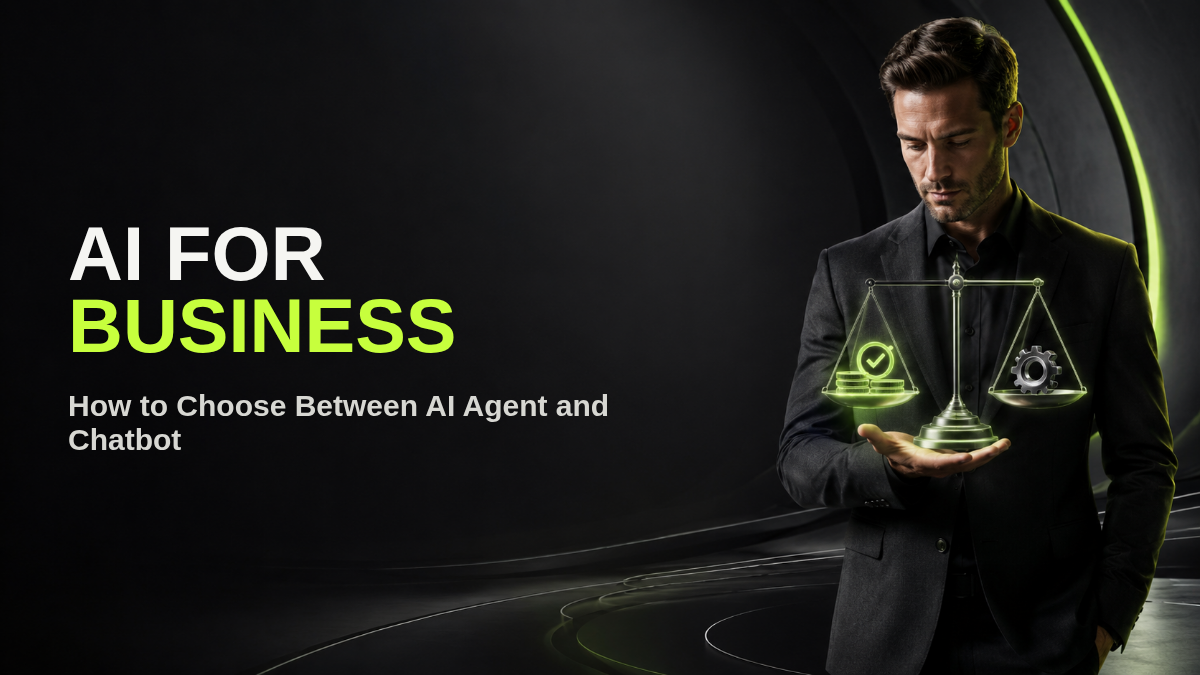
In short: An AI agent is an autonomous intelligent system capable of analyzing situations, setting goals, coordinating actions with external services, and driving tasks to completion, according to How Agents Are Transforming Work | OpenAI. A chatbot is a tool for automating simple dialogues, working strictly according to a script and limited by predefined templates. If a business just needs to automate answers to frequent questions and collect inquiries, a chatbot is enough. If you need CRM integration, automation of complex processes, multi-channel support, and the ability to act based on context—you need an AI agent.
Common pain point: “Here we go again—everyone says we should implement something smart, but why pay more if we already have a regular bot?” The answer is simple: if you only have standard scenarios (FAQ, notifications, contact collection)—don’t overpay, a chatbot will handle it. But if a client needs not just to check order status, but to book a meeting taking schedule into account, get a tailored proposal, or pay for a service—a chatbot will stall. An AI agent doesn’t just answer, it acts: checks the calendar, adds data to the CRM, sends confirmations, and handles edge cases.
For business, this means: don’t chase “artificial intelligence” just for the hype. Evaluate what tasks really need automation. For FAQ, broadcasts, and lead collection—use a chatbot. For automating complex multi-system workflows and leveraging customer history—use an AI agent.
Implementation costs differ radically. A chatbot is usually billed by dialogue volume and connected channels. An AI agent requires payment not only for dialogues, but for compute resources, integrations, and training on your scripts. A turnkey solution with CRM and telephony integration ranges accordingly.
Switching to choice: if after analyzing tasks you realize that 80% of inquiries are standard questions, do not spend on an AI agent. If your clients regularly ask to reschedule meetings, curate selections by individual criteria, or place orders using past history, an AI agent pays for itself quickly.
Where to Apply
AI agents are indispensable for:
- Customer support automation with CRM integration, when you need not just to respond, but to process the request, check schedules, book appointments, and send confirmations;
- Multi-channel inquiry processing: the agent receives messages from Telegram, WhatsApp, web chat, logs them into CRM, and gives instant responses without human operators;
- Meeting booking automation: analyzing employee availability, offering free slots to clients, reserving time, and sending reminders;
- Payment and acquiring integration: coordinating payment steps, confirming transactions, and recording them in financial records;
- Document workflow automation: preparing, sending, and tracking documents between departments and external counterparties.
Chatbots excel at:
- FAQ, broadcast notifications, feedback collection, simple surveys;
- Lead capture questionnaires: gathering contact details and preferences to feed sales pipelines.
How to Avoid Unnecessary Expenses
- Do not overpay for integrations and features your workflow does not need;
- Assemble a list of real scenarios requiring automation before picking software;
- Prioritize measurable business value over trendy features;
- Use free trial periods on live tasks before committing to premium tiers;
- Choose cost-effective configurations (e.g. mini models for simple classification) and avoid paying for unused communication channels;
- Periodically audit performance to verify saved hours and identify unused capabilities.
Action Plan: How to Apply
- Make a prioritized list of business tasks requiring automation and identify which can be solved with a simple chatbot versus an AI agent.
- Test the selected solution during a trial period on real workflow tasks.
- Configure core scenarios (FAQ, lead qualification, or calendar booking) and test on live customer inquiries.
- Evaluate results by comparing response times and staff workload before and after implementation.
- Expand with advanced integrations (CRM, payment gateways, telephony) only as actual business volume demands.
Questions and Answers
How does an AI agent fundamentally differ from a traditional chatbot?
An AI agent possesses contextual reasoning, can plan multi-step workflows, connect to external APIs (CRM, calendar, payment gateways, databases), and independently handle edge cases. A chatbot strictly follows scripted rules or button decision trees.
When is a simple chatbot sufficient for a business?
A chatbot is sufficient when tasks are restricted to basic FAQs (working hours, price lists, locations), lead capture on websites or messaging apps, and automated status alerts without complex backend integrations.
When is investing in an AI agent commercially justified?
When your team spends dozens of hours weekly on multi-step manual operations: coordinating and rescheduling meetings across team calendars, pulling client history from CRM, generating custom commercial proposals, and closing sales across multiple channels.
How does the cost of a chatbot compare to an AI agent?
A chatbot on SaaS builders is typically covered by a standard monthly subscription and is set up in 1–3 days. A full AI agent requires custom architecture, API integrations, and safety testing, making it a turnkey engineering solution.
How can you avoid overpaying when building an AI agent?
Map your business processes first, isolate the single highest-ROI bottleneck for an MVP, and utilize hybrid LLM routing (lightweight Mini/Flash models for routing, frontier models only for complex logic).
Can an existing chatbot be upgraded into an AI agent?
Yes. Your existing communication channels (Telegram bot, WhatsApp, website chat) can be hooked into an agent backend, keeping the familiar interface while replacing scripted logic with intelligent reasoning.
How do you measure ROI after deploying an AI agent?
Measure three core metrics: reduction in response time (down to seconds), hours saved per team member, and conversion rate increases from inquiry to qualified booking or sale.
Is processing customer data through an AI agent secure?
Yes, with privacy-preserving architecture, personal customer data stays in protected local storage, and only anonymized context is sent to AI models.